OC NPC Playground Guides
From your first Create click to polished lore-driven NPC sessions.
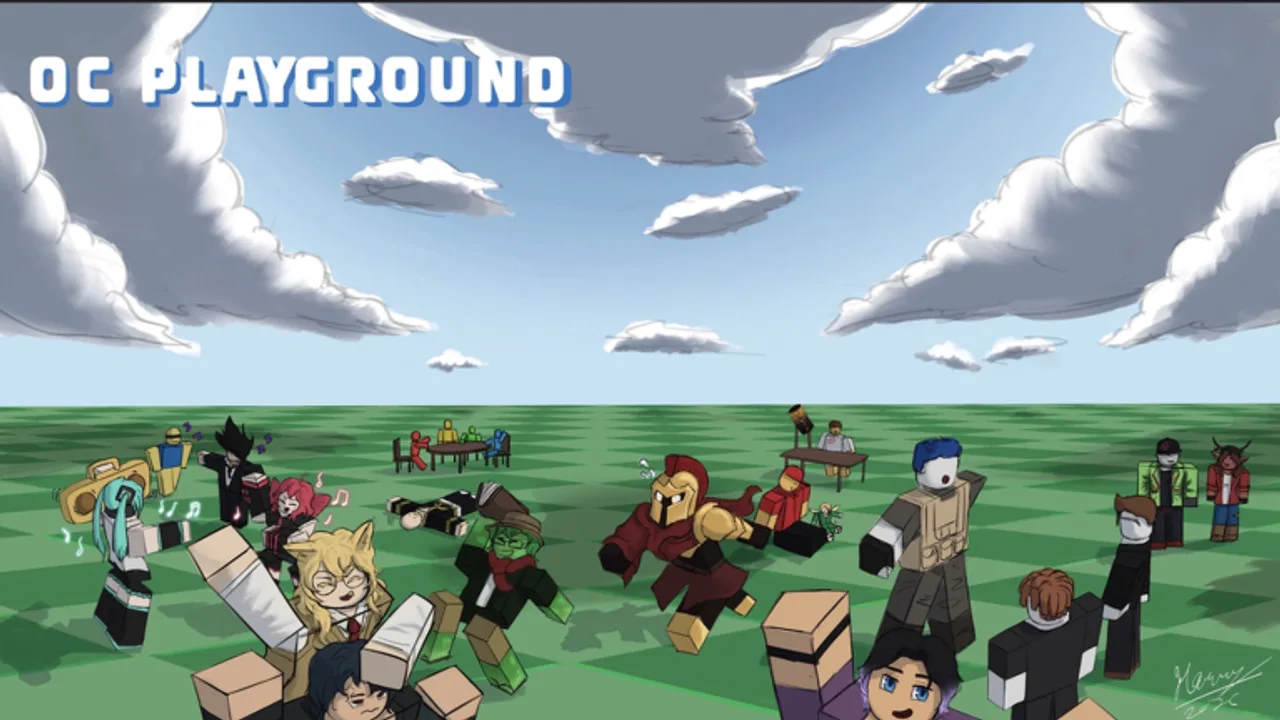
Welcome to the Guides Hub for OC NPC Playground on Roblox. Whether you joined yesterday or you are planning your tenth original character, these walkthroughs answer the questions players search most: how to open the creator, how spawning works, why private servers matter, and how to write lore that makes interactions feel alive.
Start here
New players should begin with the Getting Started guide, which covers the full loop from joining a server to watching your first NPC meet someone else’s character. If you already know the basics, jump to How to Create an OC NPC for appearance and personality setup, then How to Spawn and Interact for what happens after you press Spawn.
Core topics in this section
- Getting Started — first session checklist, Create button location, and what to expect in public lobbies.
- How to Create an OC NPC — avatar customization, naming, and building a character sheet before you spawn.
- How to Spawn and Interact — spawn timing, reading NPC behavior, and etiquette in crowded servers.
- Private Servers Guide — why the developer encourages private servers and how to host a stable session.
- Lore and Backstory Guide — writing hooks that other NPCs can react to without breaking performance.
- Performance Tips — reduce lag, avoid spawn spam, and keep sessions smooth on mobile and low-end PCs.
- Controls and UI Reference — PC and mobile inputs plus Create and Spawn layout.
- OC vs NPC Combat Playground — verify place ID before you join the wrong Roblox game.
- Mobile Play Guide — touch controls, landscape tips, and phone performance.
- Recording and Clips Guide — ethical Shorts and YouTube capture without misleading titles.
How guides connect to the rest of the wiki
Guides are the backbone of this site, but they work best alongside other hubs. Check Working Codes when promo rewards appear, browse the OC Archetypes Tier List for character ideas, and use the OC Creator Checklist before every spawn session. For official channels and the live game page, see Official Links.
What makes OC NPC Playground different
Unlike combat sandboxes from the same creator, OC NPC Playground focuses on character creation and ambient interaction. You design an original character, give them appearance and backstory, spawn them into the world, and watch them engage with NPCs built by other players. The developer notes that talking directly to your own NPC would hurt performance for most devices, so guides here explain that limitation clearly and show you how to still enjoy the experience through observation and smart server choice.
Keeping guides current
OC NPC Playground launched in July 2026 and receives frequent updates. When patch notes drop, read Launch and Early Patches first, then revisit performance and private-server guides if behavior changes. Bookmark this hub and check back after major Roblox client updates as well.
Frequently Asked Questions
Quick answers to the most common questions.
Which OC NPC Playground guide should I read first?
Start with Getting Started if you have never used the Create button. Returning players who only need spawn or lore help can jump straight to those dedicated guides.
Can I talk to my own NPC in OC NPC Playground?
No. The developer disabled direct chat with your own NPC to keep public servers playable. You watch your character interact with other players' NPCs instead.
Do I need a private server to enjoy the game?
Public servers work, but private servers are heavily encouraged for cleaner interactions and fewer performance spikes when many NPCs are active.