Performance Tips for OC NPC Playground
Legit settings and habits — no scripts required.
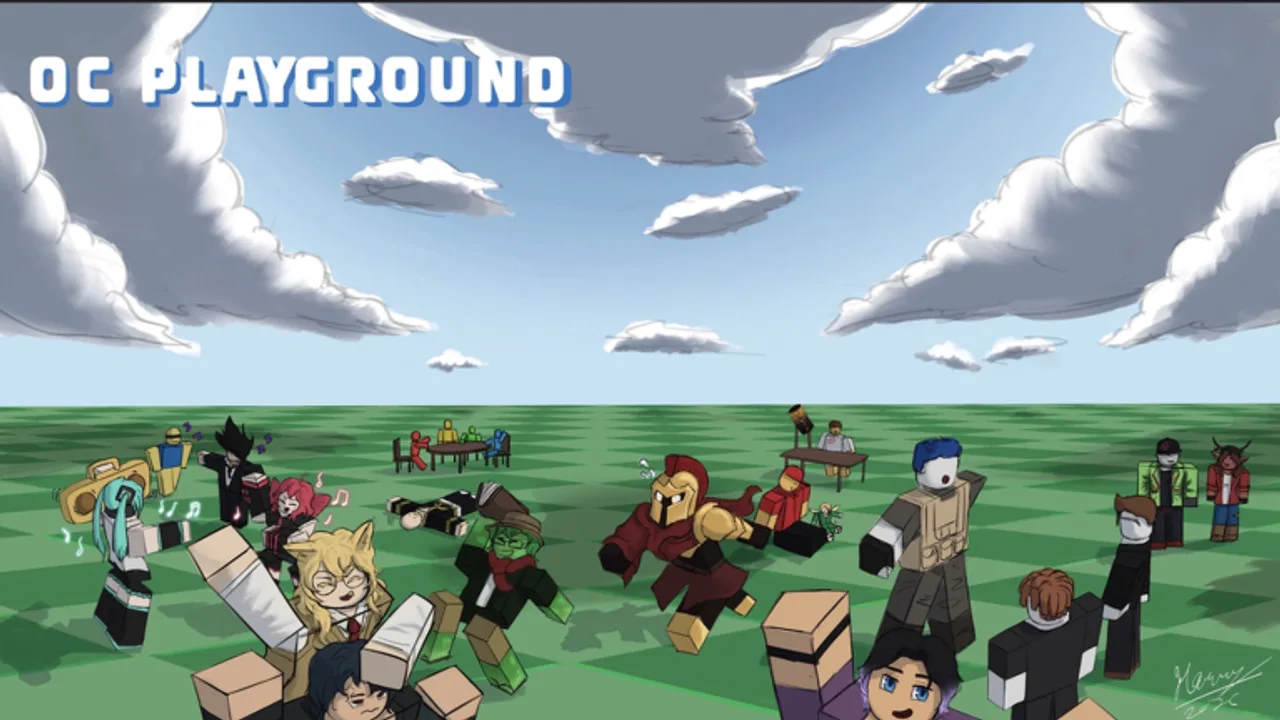
OC NPC Playground pushes Roblox clients harder than average when many NPCs occupy one server. The developer already disabled talking to your own NPC to protect performance; this guide covers what you can control — graphics settings, spawn habits, and server choice — without touching exploit scripts.
Why performance matters here
Each spawned OC adds simulation and rendering work. Public servers during peak hours can host multiple players spawning simultaneously, which causes frame drops, delayed interactions, and frustrated creators. Smooth performance makes NPC scenes easier to watch and record.
Roblox client settings
Adjust these before joining OC NPC Playground:
- Graphics Mode: Automatic or lower manual level on laptops and phones.
- Fullscreen vs windowed: Fullscreen sometimes improves focus and FPS on PC.
- Camera sensitivity: Lower sensitivity helps track NPCs without rapid camera spikes.
- Close background apps: Browsers with many tabs compete for RAM.
Mobile players should enable battery saver off while recording so Roblox is not throttled mid-scene.
Spawn discipline
Performance is a social problem too:
- Spawn one OC at a time unless you are in a controlled private session.
- Wait between spawns so the server can settle — see How to Spawn and Interact.
- Avoid respawn spam when bored; revise lore in Create instead.
- Use Private Servers Guide for group events with more than a few friends.
Server selection strategy
| Situation | Recommendation |
|---|---|
| Solo outfit test | Public server during off-peak hours |
| Friend group session | Private server |
| Recording a clip | Private server with capped invites |
| Quick lore tweak | Rejoin same server only if FPS stable |
Hardware-specific notes
- Low-end PC: Drop Roblox graphics to minimum; hide other player nameplates if options exist.
- Mobile: Reduce avatar complexity — heavy accessories cost more on phones.
- Console: Use wired networking when possible; Wi-Fi spikes cause NPC stutter.
What not to do
- Do not install executors or scripts — see Scripts Hub.
- Do not claim fake “FPS unlocker” downloads unrelated to Roblox.
- Do not join impersonator games with similar names — verify Official Links.
When to revisit settings
After patches documented in Launch and Early Patches, retest performance. New customization items may increase avatar load. Update the OC Creator Checklist if you add heavy accessories.
Device-specific follow-up
After changing Roblox graphics, rejoin OC NPC Playground and spawn a lightweight test OC before debuting a complex outfit. Laptop users on battery mode should plug in before recording — CPU throttling mimics server lag. If interactions stutter only when streaming, lower stream encoder load instead of blaming NPC density. Pair these checks with the Interaction Setup Tier List before your next public test.
If FPS improves but scenes feel empty, your issue is lore density — not hardware limits alone.
Network and rejoin strategy
Wi-Fi spikes cause NPC stutter that looks like server lag. On unstable connections, finish Create offline in your notes app, then join once with a stable link. If interactions freeze after a router hiccup, leave and rejoin through Official Links instead of respamming three OCs in frustration. Wired Ethernet on PC and disabling VPN split tunnels often fix mysterious delay more than lowering graphics again.
Session length habits
Long public sessions accumulate NPC density from other players. Take breaks every twenty minutes so your client clears cached avatars. Hosts planning multi-hour private events should schedule quiet reset windows where everyone despawns and revises lore in Create before the next wave — see Session Planner for timing templates.
Frequently Asked Questions
Quick answers to the most common questions.
Why does OC NPC Playground lag in public servers?
Many players spawning NPCs at once increases simulation load. Private servers and off-peak hours usually perform better.
Do scripts improve FPS?
No legitimate scripts for this game are verified. Exploit tools risk bans and malware without fixing core NPC load.
Will talking to my own NPC return?
The developer wants the feature but says it would hurt performance for most players today. Watch update notes for changes.