Private Servers in OC NPC Playground
The developer-recommended way to host OC sessions with friends.
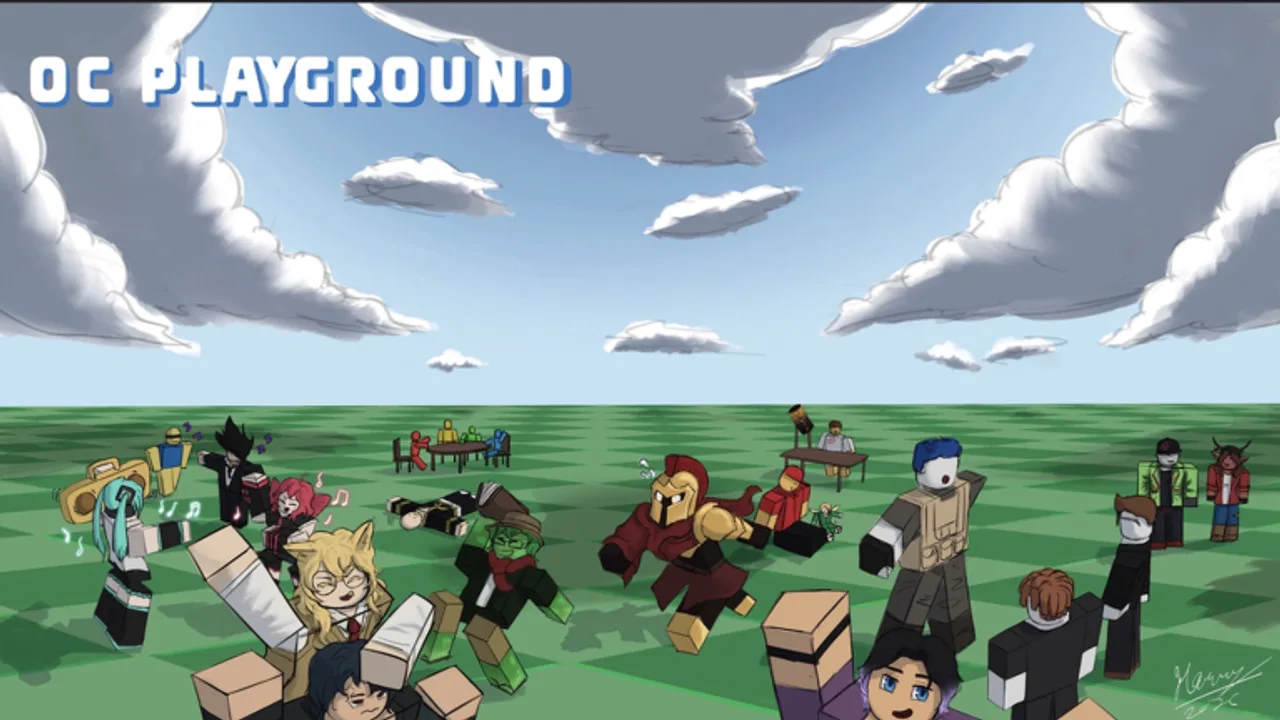
The OC NPC Playground Roblox description opens with a bold note: PRIVATE SERVERS ARE HEAVILY ENCOURAGED. That is rare language for a creative sandbox, and it tells you private servers are not a luxury feature — they are part of how the game is meant to be played when you want stable NPC interactions.
Why private servers matter
Public lobbies can fill with players spawning OCs simultaneously. Each NPC adds simulation load. The developer already limits self-chat with your own NPC to protect performance; crowded public servers hit the same wall from the population side. Private servers let you control who joins, how many NPCs spawn, and when scenes happen.
Benefits include:
- Lower lag during group spawn sessions.
- Predictable etiquette among friends who agree on spawn rules.
- Better recording conditions for creators making YouTube or TikTok clips.
- Safer space for experimental lore without random players disrupting scenes.
How to get a private server on Roblox
Roblox private servers are purchased through the official experience page:
- Open the OC NPC Playground game page.
- Look for the Private Servers tab or related Roblox UI (wording varies by platform).
- Follow Roblox checkout with Robux if a price is listed.
- Invite friends via Roblox’s invite system — never pay third-party sites for “free VIP servers.”
Pricing and availability follow Roblox policies and can change. Always verify on the live page.
Hosting a successful private session
Use the Session Planner alongside this guide:
- Pre-build OCs — everyone finishes Create before the event start time.
- Set spawn order — stagger Spawns by 30–60 seconds to watch each introduction.
- Assign roles — one person records, one person notes lore reactions, others spawn.
- Cap NPC count — even private servers have device limits; see Performance Tips.
- Plan a backup public test — try one friend group OC in public during off-peak hours to compare.
Private servers vs public lobbies
| Factor | Public server | Private server |
|---|---|---|
| Cost | Free | Robux for server rental |
| Population | Random players | Invited friends |
| Performance | Variable | Usually better |
| Discovery | High — meet strangers | Low — curated group |
| Best for | Quick solo tests | Group storytelling |
Rules to share with guests
Post these in your Discord or group chat before launching:
- Finish OC Creator Checklist before joining.
- No exploit scripts — read Scripts Hub for why.
- One active spawn per player unless the host says otherwise.
- Respect Roblox community standards in lore text.
When public servers are still fine
Solo players testing a new outfit or short backstory can use public servers during low-traffic hours. Read Getting Started and How to Spawn and Interact for etiquette. Switch to private when you invite more than two friends or notice frame drops.
Host responsibilities recap
Private-server hosts should post spawn rules in chat at session start, cap simultaneous NPCs, and restart the server if FPS collapses for guests. Thank players who stagger spawns — good etiquette spreads faster than moderation alone. After sessions, gather feedback on lore clarity and update the Session Planner template for next time.
Frequently Asked Questions
Quick answers to the most common questions.
Are private servers required in OC NPC Playground?
They are not required, but the developer heavily encourages them for better performance and controlled NPC sessions.
How do I invite friends to my private server?
Use Roblox's official private-server invite flow from the game page. Avoid third-party links promising free access.
Do private servers unlock extra Create options?
The launch description does not promise exclusive customization in OC NPC Playground private servers. Benefits are mainly population and performance control.